CCTV mobile apps for business: what to compare
Compare remote viewing, alerts, security camera compatibility and GBP pricing. See how Sentrallia supports multi-brand, on-premises monitoring.
 Written by Anis TrikiCEO and co-founder of Sentrallia
Published on
11 min read
Contents5 sections
When you choose a CCTV mobile app for a business, the app on the phone is only one part of the decision. It has to work with your existing cameras and recorders, handle remote viewing, playback and alerts, keep footage processing and access under control, and fit a full installed-system price in GBP that includes VAT, the ICO fee and any SIA licensing.
Will the app work with existing CCTV equipment?
Compatibility is the first filter, because an app that cannot read your cameras and recorder offers nothing else of value. The check starts with an inventory of what is on the walls and in the comms cabinet, moves on to which apps can address that equipment, and ends with tests you can put in writing.
What equipment is already installed?
An accurate record of each device is what makes every later answer from a supplier verifiable. Walk the site with the recorder's channel list in hand: each security camera and each recorder needs its own line in the inventory.
- Camera identity: make, model and firmware version of every security camera.
- Camera type: analogue or IP, since this decides which recorders and software can take it.
- DVR or NVR details: make, model and firmware of the recorder.
- Recorder capacity: channel count and storage capacity.
That inventory also shows where recording actually happens. On a business site, the security system can record on an on-site computer or server, and the mobile app then gives access to it rather than acting as the recording setup itself.
Which security camera apps support existing equipment?
Some manufacturers' security camera apps work only with their own cameras and recorders, so a familiar app name says nothing about another brand on the same site. Sentrallia takes the opposite route: its multi-brand, multi-protocol video surveillance software shows Hikvision, Dahua and Axis cameras on one screen, with a single view of sites and devices. Its app extends that system to iPhone and Android devices, while the on-site system it connects to remains in place. For an installer on site, this saves real time: with the phone on the site's Wi-Fi, the app finds the cameras and recorders on the local network and recognises their brand. You scan the label, set a password for a new camera, and it joins the site in the software, without going back to a computer.
How should compatibility be verified?
ONVIF profiles help narrow the field: Profile S covers basic video streaming, Profile T advanced streaming and Profile G storage and retrieval. Each profile describes a set of capabilities, so a camera listed as ONVIF-conformant is not automatically compatible with every function an app offers. For each proposed camera, recorder and app combination, ask the supplier to confirm in writing that live viewing, playback and alerts work.
On the ground, written answers are then tested: demonstrate two or three compatible combinations at the premises and over mobile data before choosing one. Manufacturer limits show up quickly in such a trial.A manufacturer's app may show many live views at once, but only for its own devices, not for an existing recorder from another brand.
| Check | What it establishes | What it does not establish |
|---|---|---|
| ONVIF Profile S | Basic video streaming | Playback, alerts or every app function |
| ONVIF Profile T | Advanced streaming | Storage and retrieval |
| ONVIF Profile G | Storage and retrieval | Alerts in a given app |
| Written supplier confirmation | Live view, playback and alerts per camera, recorder and app combination | Performance on your network |
| On-site demonstration | Behaviour on site Wi-Fi and mobile data | Total cost of the installed system |
What must a business CCTV app do in practice?
Once the app reads your equipment, the question becomes what it lets you do with it during an incident. Three functions carry the weight: viewing live away from the site, retrieving recorded evidence, and raising alerts that lead to footage someone can act on.
Test live viewing away from the premises
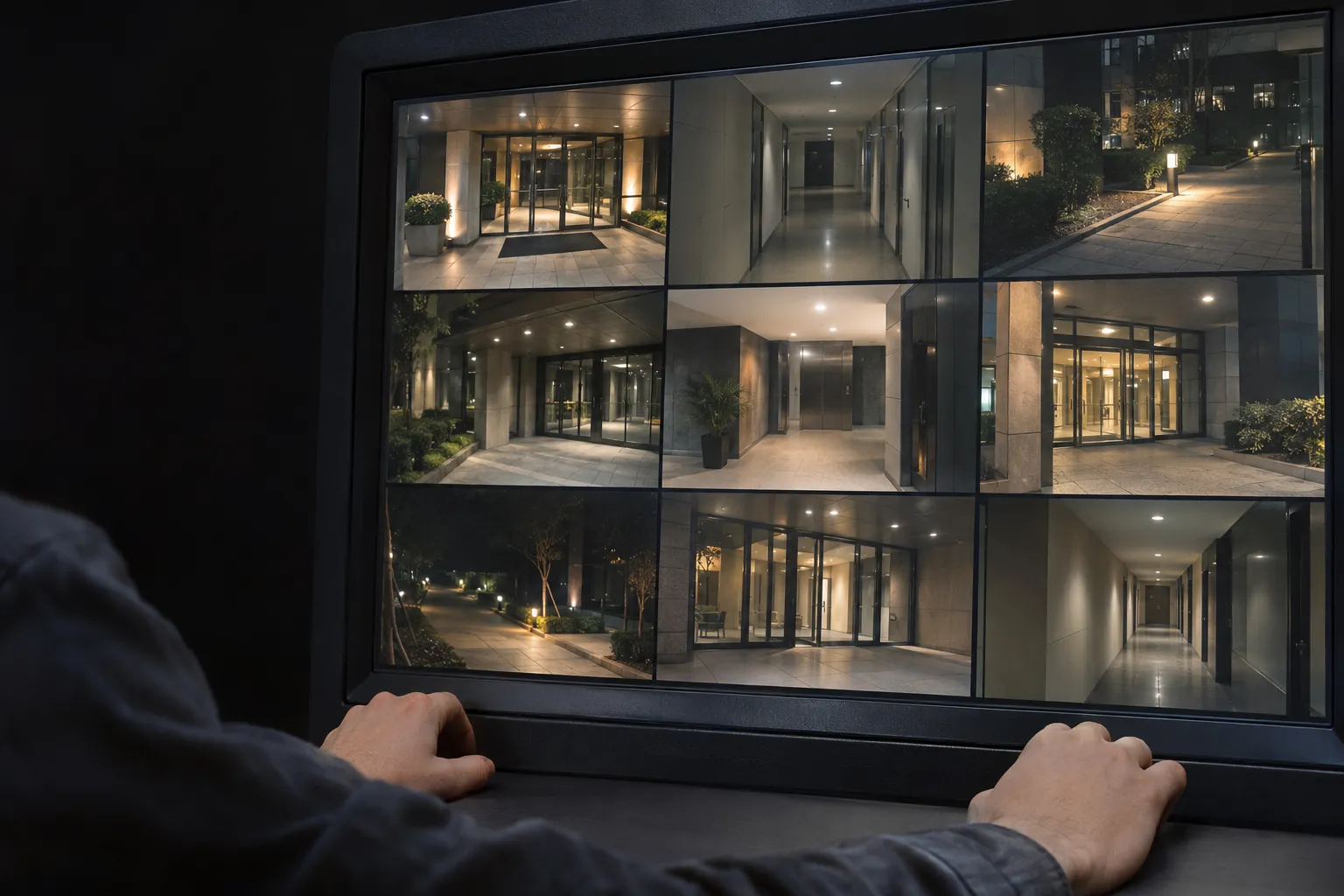
To monitor your business and view cameras remotely, open several live streams at once, first on the site's Wi-Fi and then on mobile data. Note the delay, the picture quality and how quickly streaming recovers after you lose the connection. Adjustable resolution can ease a weak smartphone connection, although the National Business Crime Centre advises judging identification needs from recorded security footage, since images sent to a phone may be of lower quality.
From the operator's chair, the order of screens matters as much as image quality. In Sentrallia's app, a guard away from the post opens an alert, watches its clip and then opens the camera's live view, so the context comes before the current picture. Each alert arrives with its image, even on the lock screen. The alert sheet shows the clip, what the AI checked and the neighbouring cameras; you assess and close the alert from the phone, and you choose what you receive: everything, serious alerts only, or nothing.
Find, replay and export an incident
A live view alone proves nothing about the archive. Pick a known event and check that you can find it by camera and time, replay it from the DVR or NVR, and export it as the original file with its timestamp; the security camera timestamp is what ties the clip to the incident. Filming a screen is not an appropriate retrieval method, according to the College of Policing, so a phone screenshot never stands in for an export.
Sentrallia's video management system provides playback and clip export across supported equipment. After an incident, Sentrallia also provides a signed video, which gives the recipient a file whose integrity can be checked.
Check alerts against actual recordings
Notifications and recording are separate settings, and an alert does not prove that footage was retained. Confirm each camera's recording mode, then trigger each alert type on the proposed camera models and look at the video available when the alert opens.
- Recording mode: continuous, scheduled or triggered only by an event.
- Detection alerts: motion, line-crossing and intrusion.
- Health alerts: camera offline and storage loss.
Before an alert reaches the screen, false alerts should already have been dealt with. Sentrallia's AI filters them out and sends the remaining alerts to operators with a clip and a sentence describing the event, which supports business security decisions while people choose the response. Every handled alert and guard action is logged under the guard's name, a record that guarding firms using video surveillance software can show their clients.
Where is footage processed and how is access secured?
An app that works well can still send footage further than you expect. The questions here concern where video is stored and analysed, who can open it from a phone, and what keeps running when the Internet connection drops.
Separate recording, analysis and remote services
Ask where CCTV footage is recorded and, as a distinct question, where each video analysis runs. Local storage does not by itself mean local analysis: some systems record on site but send footage to a supplier's cloud for AI processing. A supplier's answers should cover three points.
- Recording location: camera, recorder or on-site server.
- Analysis location: in a compatible camera, on a server at the premises, or in a remote cloud.
- Remote services: any supplier account used for remote access or notifications.
Sentrallia delivers a machine and installs it on the customer's site: the customer has nothing to install. On that machine, Œil 1.1 analyses images; no footage is kept in a Sentrallia cloud. The same AI model applies to every camera, whatever its brand.
Even an on-site system may rely on a supplier account for remote access or notifications. Document the data those services handle, and where a foreign cloud service is involved, check the contract's security terms and any international transfers.
Control access to surveillance footage
The ICO expects encryption and access controls when CCTV images travel over the Internet, and the NCSC recommends keeping devices and apps updated. Turn those principles into checks on each app account.
- Individual accounts: one login per person, never a shared password.
- Minimum permissions: each user sees only the sites and functions their role needs.
- Lost-phone revocation: access can be withdrawn from a single device.
- Multifactor authentication: enabled where the app offers it.
Sentrallia encrypts camera passwords with AES-256-GCM and hashes account passwords with Argon2. Sign-in asks for a six-digit code, with Face ID on the phone. Assess those choices alongside the app's remote-access method and the permissions you grant, since encryption cannot compensate for a user who holds too many rights.
Test operation when the Internet fails
During the premises demonstration, disconnect the Internet. Note which local recording and viewing functions carry on and which remote functions stop, then check the locally recorded footage, in daylight and at night, against its task: recognising a person, reading a number plate or observing an activity. ProtectUK advises accepting a system against that operational need, not against the mobile stream.
Site by site, the governance rules differ: signage, the area filmed, who may view footage and a retention period set by purpose. The ICO sets no universal retention period and says a data protection impact assessment applies to most video-surveillance cases, so plan how you will answer footage access requests too.
What will a business CCTV app setup cost?
The app price is rarely the system price. A reliable comparison adds up hardware, licences and services over the same period, then adds VAT, the ICO fee and, in some cases, SIA licensing.
Compare the full installed-system price
Ask every supplier for a GBP quotation over the same operating period, with each cost on its own line. Three groups make the comparison readable.
- Hardware and installation: cameras, any recorder replacement, disks, cabling, PoE and installation labour.
- Software and services: VMS or per-camera licences, remote-access and alert services, and mobile data.
- Running costs: maintenance, updates, disk replacement, training and evidence export.
The usual trap is in the budget, when a bundled app licence is read as a free CCTV setup. The recorder, server or VMS licence may still cost extra, whether you run a small business or a larger organisation.
Allow for VAT and the ICO fee
The UK standard VAT rate has been 20% since 4 January 2011. For standard-rated goods or services, a quotation should show totals before and after VAT, so you compare like with like.
A business using CCTV generally pays the ICO data protection fee unless it is exempt. Since 17 February 2025, the annual tiers have been £52, £78 or £3,763. The tier depends on the organisation's category, not on the number of cameras or apps.
Paying by direct debit reduces the fee by £5, and the statutory fee is outside the scope of VAT.
Check whether SIA licensing applies
Business owners viewing their own cameras on a phone do not automatically need an SIA licence.
Contracted public-space CCTV surveillance is a different case and may require an SIA licence, although directly employed in-house staff generally do not need one for that activity alone. Where one is required, the application fee has been £204 since 1 April 2026.
A front-line applicant needs a licence-linked qualification as well as identity and criminal-record checks, with training charges set by each provider. Non-front-line applicants need the same checks but no licence-linked training.
Frequently Asked Questions
Which camera controls can a business CCTV app offer beyond viewing?
Controls can include pan, tilt and zoom, video quality, motion-detection zones and recording schedules. Some apps support two-way audio between the phone and the camera location. Many also manage multiple cameras and give multiple users different access levels. Sentrallia's app goes further: you can speak through a camera's loudspeaker, play a recorded message, trigger the siren or the floodlight, open a door and answer the intercom that rings on your phone. Timeline playback, the site plan, badges and visitors, reports and camera settings are in the app too.
How does Sentrallia record and report on handled alarms?
Sentrallia records the closing of each alarm in a log, and its workflow then opens the next alarm automatically. Clients receive a monthly report bearing their own logo.
Do other approvals or fees apply to business CCTV besides the ICO fee and SIA licensing?
Local authorities in England and Wales have specific duties under the surveillance camera code, but these are not a paid approval every private business needs.
Sources
- 01dvrcms.comTop 10 security camera apps for android and ios devices↗
- 02techyv.comTop 10 free business security camera software tools↗
- 03apps.flavh.comTop 10 security camera apps for android and ios devices↗
- 04blog.bosssecuritysolutions.comMost popular remote access security camera apps for small business owners↗