Access control software: what to compare before you buy
Assess access control management software for multiple sites, from lost badges to network outages, rather than relying on top access control systems lists.
 Written by Anis TrikiCEO and co-founder of Sentrallia
Published on
12 min read
Contents6 sections
Choosing access control software for several premises comes down to tests, not feature lists. The sections below take each criterion in turn: mixed controller brands, central administration, lost badges, contractors, door alerts with video, intercoms, network outages and lockdown. For each one, you get the usual weakness, what to test before signing, and how Sentrallia handles it.
Check access control software against existing doors
Most estates already have controllers, readers and badges in place, often from more than one manufacturer. The usual weakness is a separate program for each controller brand, which leaves operators switching between screens. So any shortlist has to start with the doors you already run.
Define what each premises needs
The National Protective Security Authority (NPSA) advises setting out operational requirements before choosing protective measures. For physical access control, that means listing the sites, controlled areas, access points, users and the incidents staff will have to handle. A comparison built on your own doors, users, credentials and workflows tells you far more than a generic top-ten list.
That inventory also shows where software cannot help. Electronic access control links a credential, a reader, a controller, a lock and an event record. Even so, building access control software cannot make up for an uncontrolled entrance into the same area: a propped side door makes the badge reader at the front door pointless.
Test multi-brand integration at real doors
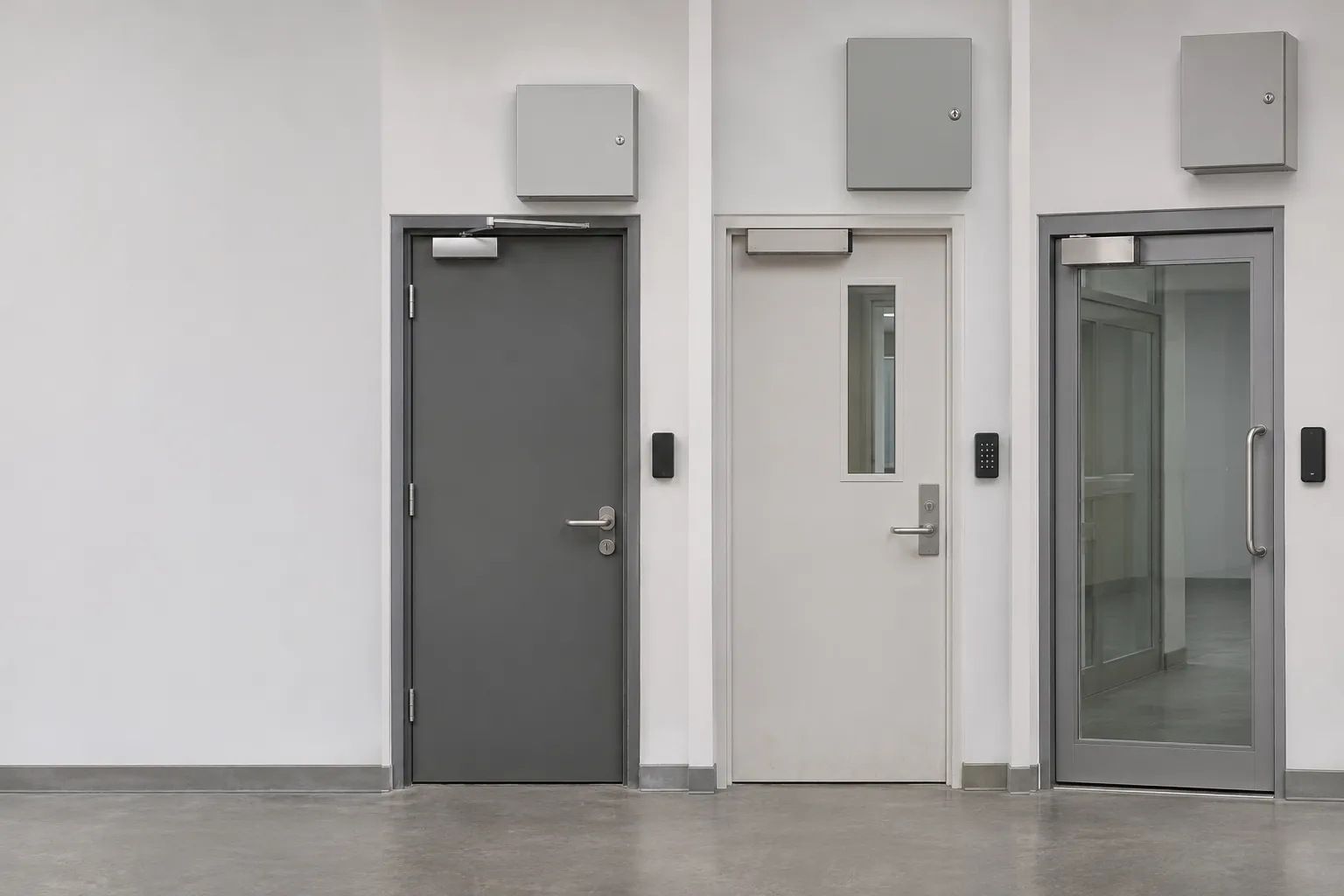
Sentrallia manages doors, badges and intercoms from several brands (2N, Axis, ZKTeco and ONVIF controllers) in the same software as its video surveillance. Sentrallia writes the access rights, receives the passages and commands the doors. Before judging whether any supplier fits your hardware, record these details for each door:
- Controller and firmware: the make, model and software version installed at the door.
- Reader and credential format: the badges actually in use, not new cards supplied for a demonstration.
- Lock and door contact: how the door is held and how its open or closed state is reported.
- Power and fire link: the supply feeding the door and its connection to the fire system.
On the ground, a witnessed pilot on mixed-brand hardware settles what the integration really does. Enrol a badge and revoke it, then force a door and hold another open. After that, disconnect and reconnect controllers of different brands and check which functions come back.
Confirm compatibility door by door
Ask each supplier to sort every existing door into three groups. Some functions work as they are, some need an interface or a replacement part, and some will not work at all. A written answer at this level stops surprises at commissioning.
Protocol claims need the same scrutiny. The Security Industry Association warns that verification under the Open Supervised Device Protocol, a reader-to-controller standard, does not automatically prove interoperability between a controller and the software. For standards, the British Security Industry Association notes that the BS EN 60839-11 series replaced the older EN 50133 series for access control systems.
| Door function | What to ask the supplier | Possible answer |
|---|---|---|
| Badge enrolment and revocation | Does it work with the current controller and badges? | Works / needs interface / not supported |
| Forced and held-open alerts | Is the door contact read by the software? | Works / needs replacement / not supported |
| Behaviour after reconnection | Does the controller resynchronise on its own? | Shown during the witnessed pilot |
| Standards reference | Which series does the system follow? | BS EN 60839-11, which replaced EN 50133 |
Compare access control management software across sites
Standalone management leaves each team changing permissions in its own tool. A central access control platform handles people, doors and schedules for every site in one place. Central control only helps, though, if changes really reach every door and nobody holds more rights than they need.
Check central changes reach every site
Sentrallia brings sites, devices, people and access permissions into one system, so you do not need separate administration for each controller brand. Its site and permissions management also lets you run several premises with different teams.
Whatever access control management software you shortlist, make a central change and then check it at every controller it should reach. Next, take one site offline and repeat the change. When the link returns, confirm that the site picks up the update without anyone stepping in.
Restrict administrator rights by role
Sentrallia offers role-based permissions, which stops every operator from holding the same security management powers. Site by site, that difference matters: with 2 sites, check that an operator cleared for one cannot grant access to a restricted door at the other.
Use named accounts for reception, security and installation staff during that test. For each account, check who can grant rights, command doors, view images and export records. Shared logins hide all of these actions, so leave them out of the evaluation.
Compare everyday door commands
Sentrallia brings door commands into its central software. From there, an authorised operator can open a door, hold it open or lock it.
Remote access to door commands still needs limits. Check each operator's remote access against the doors assigned to them, so that a convenient central console does not hand out control nobody approved.
Assess badges, schedules and temporary rights
Permissions decide who can actually get through each door. Three weaknesses come up again and again: lost badges that still work, schedules that do not match how a site is used, and contractors whose access is never removed. Each one has to be tested at a real door, not just on screen.
Revoke lost credentials everywhere
Sentrallia gives each person a badge or a code, so authentication at a door is tied to an individual right and a known identity. A lost badge that still opens a door is a real weakness, and Sentrallia blocks a lost badge everywhere. Run the same check on any system:
- Online door: mark the badge as lost and present it straight away.
- Disconnected controller: present the same badge at a door whose link is down.
- Time to rejection: record how long each door takes to refuse the badge.
The disconnected door is the step most often skipped. An offline controller may not receive a new revocation until its connection returns, so "blocked centrally" is not always the same as blocked at that door.
Match schedules to actual use
Sentrallia gives each group its own doors and schedules, public holidays included. A reception door used by office staff and a plant-room door used by maintenance can therefore follow different hours.
Some doors do not need a badge for every passage. Sentrallia can leave a door unlocked during opening hours, so access permissions only apply outside those hours.
A refusal nobody can explain wastes an operator's time. Sentrallia explains a refused passage check by check (badge, validity, right on the door, schedule) and lets you test in advance whether a person will get through a given door at a given time. Schedules also need checking at a real door. Try a badge outside authorised hours and again on a bank holiday, then confirm that the door refuses it in both cases rather than relying on what the schedule screen shows.
Make contractor access expire
Commercial access control should limit a contractor to the doors their job needs. Sentrallia gives a contractor access to a few selected doors and ends it when the assignment finishes, so nobody has to remember to remove it.
Short jobs need the same discipline. Sentrallia can grant access for a week in a few clicks, so a five-day repair never turns into an open-ended right. For visitors, Sentrallia prepares a visit for a time slot, with a six-digit code, a QR code on the devices that read one, and a pass sent by link, with no account to create.
During the pilot, test automatic expiry, early revocation and an approved extension. The NPSA also recommends contractor passes that can be told apart from staff passes, with access limited to appropriate zones. The multi-brand access control in Sentrallia applies these rights per group and per person.
Assess alerts and operator accountability
Once permissions are set, the next criterion is what happens when a door raises an alert. Monitoring staff need the image, a reliable record and a clear trace of every decision, including the ones made over the intercom.
Link door alerts to the right image
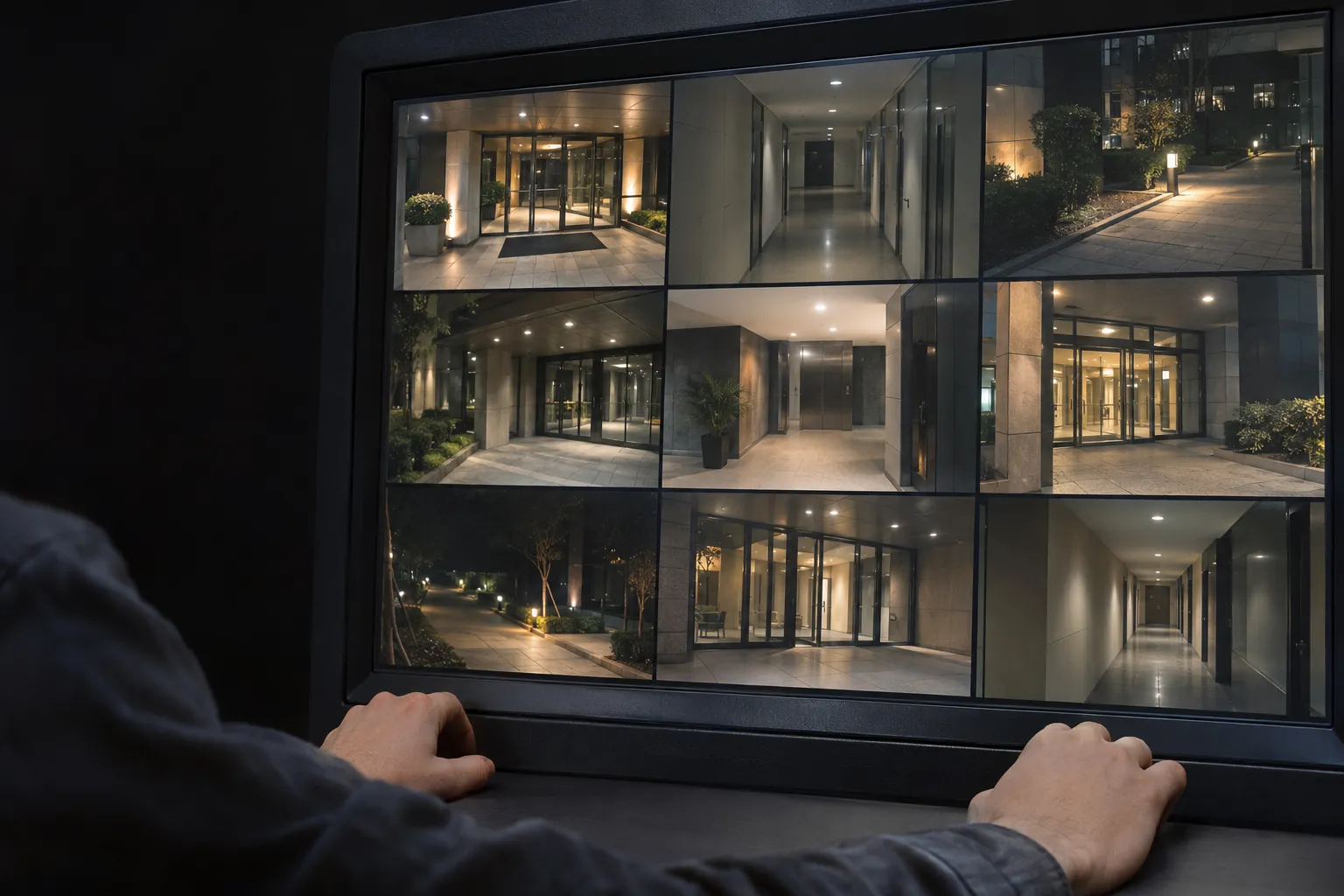
The usual weakness: when access control and video surveillance sit in separate tools, a forced-door alert can reach monitoring staff with no camera image. Sentrallia raises an alert with the camera image when a door is forced. At a real door, test granted access, refused access, a forced door and a door left open, and check that all access events point to the correct camera and time.
Make the audit trail accountable
Sentrallia logs every passage, every refusal with its reason and every operator action under the operator's name. A complete audit trail should answer who opened what, where and when.
For the audit test, use named accounts and change a right. The trail should show who made the change, when, at which site, and the old and new permission. The Information Commissioner's Office (ICO) accepts swipe-card records for security, but warns against quietly reusing worker entry data for performance monitoring.
Keep intercom decisions with door control
An intercom run separately from the door controller may log an unlock only as a generic request, with no record of who released the door. With Sentrallia, an operator sees who is ringing, talks to them and opens the door, whether from the workstation or the mobile app.
From the operator's chair, being away from the desk should not break that link. Sentrallia's mobile app for iPhone and Android provides mobile access to door opening, video intercom calls, badges and visitor management, so an operator can still answer and decide.
Prove the system works under pressure
A demonstration shows normal operation. Buying decisions should depend on what happens when the network drops, the power fails or a whole site has to be locked down. These scenarios belong in the pilot as well.
Test network and power failures separately
With Sentrallia, a network outage does not lock out people who are already authorised. The doors keep working even when the link to the central system is down.
Each type of failure has to be tested separately. A networked access control system that survives a lost connection can still stop when a controller or lock loses power:
- Network losses: cut the WAN, the central system and the controller network one at a time.
- Mains loss: remove the supply to the site and watch the controllers.
- Door-power loss: cut the lock's own supply and check exit.
Do not stop the test the first time a badge opens a door after reconnection. Check that changed rights, stored door events and site clocks have all caught up across your security infrastructure.
Check lockdown compliance and safe escape
Sentrallia can apply restricted access or a full lockdown to an entire site in one action, while emergency exits stay free. Without that, operators have to lock doors one at a time.
The NPSA distinguishes zonal lockdown responses and the trade-off between fail-safe and fail-secure doors. Locking every door is not a safe rule for every site, so decide which zones each scenario affects.
Fire-safety compliance sets the limit. In England and Wales, article 14 of the Regulatory Reform (Fire Safety) Order 2005 requires, where necessary, emergency exits that can be opened easily and immediately.
Accept the installation through a live pilot
Acceptance should repeat the earlier tests with real users and doors. Sentrallia delivers the machine and installs it on site, so you have nothing to install. The pilot should cover:
- Credential events: a lost badge and a temporary permission.
- Alert handling: a door alert with its camera image.
- Intercom and link: an unanswered call and a disconnected site.
- Safe exit: an emergency exit checked in person.
Acceptance should also settle who is responsible for backup, recovery, training and maintenance of the security system. Compare several quotations and check how servicing and call-outs are handled before choosing an installer.
Frequently Asked Questions
Can a mobile phone replace an access badge?
In some systems, yes. It depends on compatible readers, phones, apps and access control software. A phone that is lost, flat or offline needs its own recovery procedure, separate from the one for a lost badge.
Is access control data personal data under UK data protection law?
It can be. Named badges, passage histories, images and intercom recordings may all be personal data, so you need to define their purpose, viewing rights, retention period and how you will handle access requests. The ICO advises proportionate monitoring, controlled privileged access with logs, and a data protection impact assessment where necessary. The Data (Use and Access) Act 2025 amended the UK GDPR rather than replacing it.
How often should exits and electronic door releases be checked?
The UK government's fire-risk guidance for offices and shops calls for regular checks of exits, emergency-opening devices and electronic release mechanisms. These checks belong in the premises' own fire-safety programme. In a fire, a final exit should open quickly and easily without a key or code.
Sources